Docker Compose updates with a single command
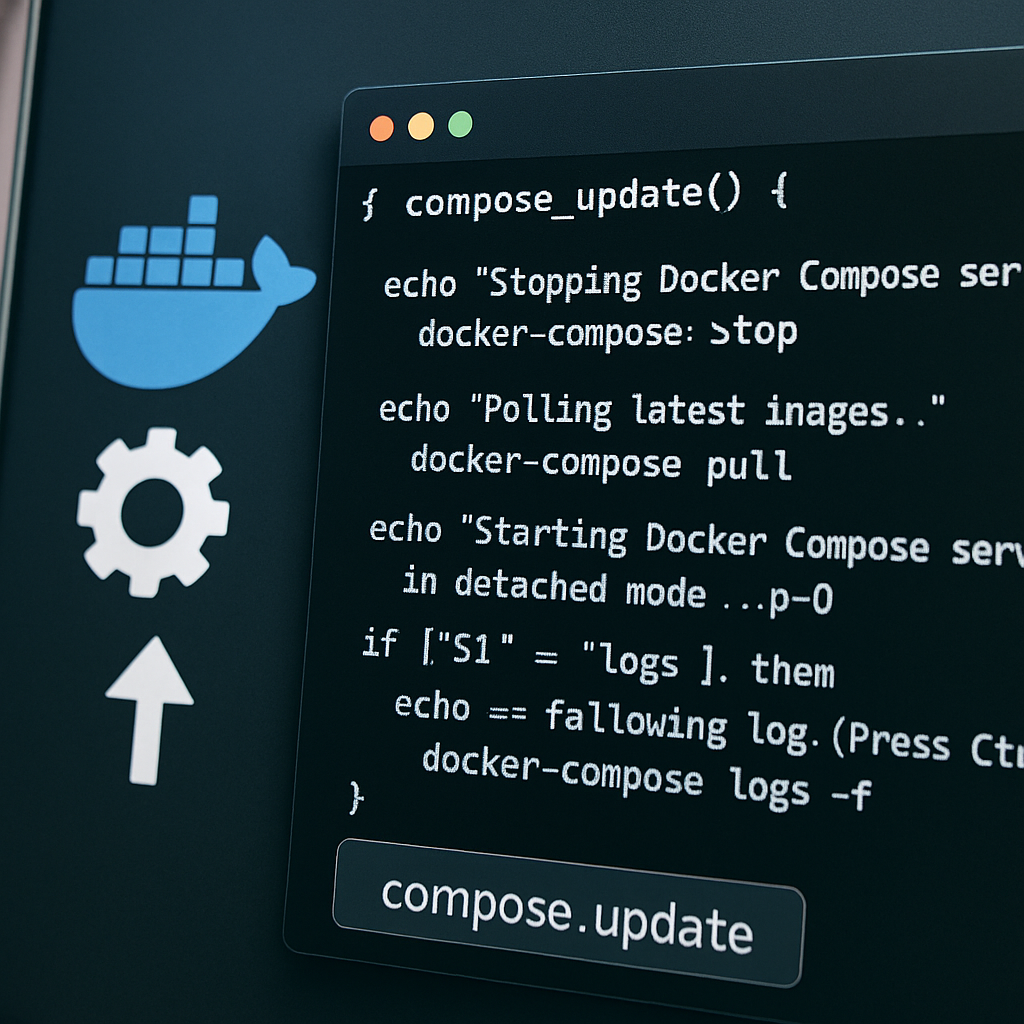
If you work with Docker Compose, you know updating services means stopping them, pulling new images, and starting them again. It's a repetitive three-step dance: stop, pull, up -d.
Wouldn't it be great to do all that with a single command, and even have an easy way to view the logs afterward? You can, with a simple bash function!
The Manual Steps:
Typically, you run:
docker-compose stopdocker-compose pulldocker-compose up -ddocker-compose logs -f(this is optional as I only use it sometimes)
It works, but it's typing you do over and over.
The Automated Solution:
Add this function to your shell config file (like ~/.bashrc or ~/.zshrc):
# Automates Docker Compose update: stop, pull, up -d, with optional logs.

function compose_update() {
  echo "Stopping Docker Compose services..."
  docker-compose stop

  echo "Pulling latest images..."
  docker-compose pull

  echo "Starting Docker Compose services in detached mode..."
  docker-compose up -d

  # If 'logs' is the first argument, follow logs afterward
  if [ "$1" == "logs" ]; then
    echo "--- Following logs (Press Ctrl+C to exit) ---"
    docker-compose logs -f
  fi
}
Why It's Handy:
- Saves Time: One command instead of three.
- Less Error-Prone: No forgotten steps.
- Quick Updates: Fast-tracks your development workflow.
- Optional Logs: Instantly see what's happening after the update by adding
logs.
How to Use It:
- Add the code: Paste the function into your shell configuration file (
~/.bashrc,~/.zshrc). - Reload: Run
source ~/.bashrc(or your file) or open a new terminal. - Go to project: Navigate to your
docker-compose.ymldirectory. - Run:
To update AND follow logs afterward:
compose_update logs
To just update (stop, pull, up -d):
compose_update
Simplify your Docker Compose workflow today with this handy bash function!